
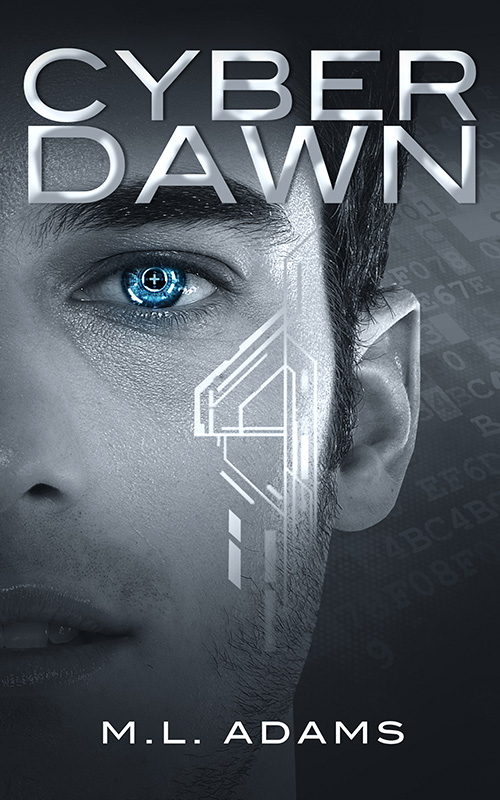
By M.L. Adams
Cyber Dawn
A Ben Raine Novel
After losing his leg to cancer and spending six years as a prototype in a top-secret cybernetic research program, seventeen-year-old Ben Raine is ready for a normal life. Now a junior in high school, it seems as though normal is just what he’s going to get. He’s met new friends, made the varsity football team, and even scored a date with the school’s head cheerleader. But just as life is starting to look up, Ben hears four words that will change everything – you never had cancer.
Determined to find out why, Ben hires Sarah – a classmate who moonlights as a hacker – to help him hunt down the truth. But when they get too close, they soon find themselves on the run from the police, the FBI, and a team of ruthless assassins. Caught in the middle of a murderous conspiracy, Ben and Sarah tap into the one thing that may save them – Ben’s cybernetic brain. But will it give them the advantage they need? Or cost them both their lives?

M.l. Adams
I was born in the Midwest and raised in beautiful Colorado. My parents, both avid readers, instilled a love for books at an early age. My 3rd and 4th-grade teacher, Mrs. Watson, encouraged my passion for writing.
Cyber Dawn includes many of my experiences as a childhood cancer survivor and amputee. Like Ben, I was diagnosed with cancer and had my right leg amputated when I was 11 years old. The nearly-sudden appearance of a golf-ball-sized tumor in my right knee always seemed suspicious. And while I have no evidence of foul play, that suspicion (and my love for science fiction) helped form the story behind Cyber Dawn.
I live in Colorado with my wife, two children, and our two dogs.
Alpha 8: A Cyber dawn short story
It’s been three years since Alexandra Goddard was diagnosed with terminal brain cancer and saved by an experimental cybernetic implant. Determined to repay CyberLife Industries for saving her life, Alexandra accepts a mission to infiltrate a competitor’s base deep in the Mojave Desert. After months of training, she’s ready to prove herself. But when the plan falls apart, she must decide between protecting CyberLife … or doing what’s right.
Please note: Alpha 8 is a short story and is about 35 pages long.